Enterprise reference architecture
A proposed engineering design for this workflow. The enterprise scenario and stack below are illustrative architecture choices; they are separate from the confirmed project screens.
The enterprise scenario
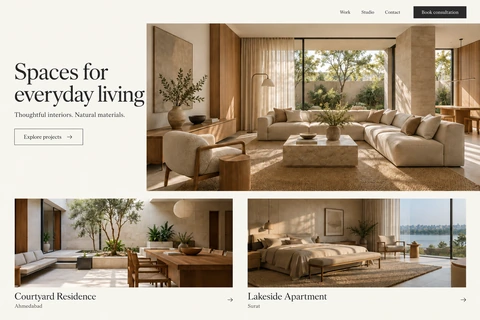
A multi-studio interiors group needs to publish regional project portfolios while keeping editorial ownership, material libraries and consultation routing consistent across its brands.
Architecture objective: Separate a fast, public discovery experience from the controlled publishing and enquiry workflows behind it.
Proposed technology stack and rationale
Experience
WordPress with a custom block theme (PHP and the block editor)
Server-render project and room pages, preserve descriptive URLs and progressively enhance material filters.
Editorial platform
Custom post types and Advanced Custom Fields
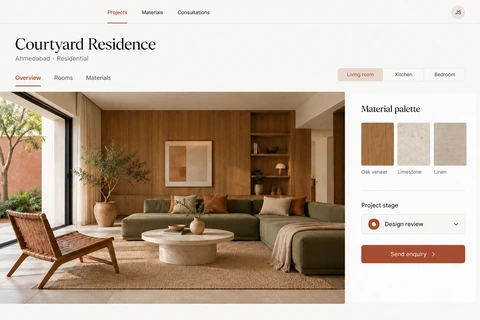
Model studios, projects, rooms and material references once, with separate author and publisher roles.
Operational data
MySQL with studio-scoped enquiry tables
Keep consultation context and routing data separate from public editorial content.
Media delivery
WordPress media library, responsive image sizes and Cloudflare
Store source assets independently of delivery renditions and control publication through approved media records.
Delivery and visibility
WP-CLI, GitHub Actions and Sentry
Use a staging site, controlled promotion and error reports connecting an enquiry to its processing attempt.
Technical challenges and design approach
1Cross-brand content consistency
A duplicated material description can drift across several projects. Reference shared material entities, version edits and preview the pages affected before publishing.
Image-heavy browsing
Large original photography should not become the default mobile download. Generate responsive renditions and give layout dimensions before the image arrives.
Enquiry ownership
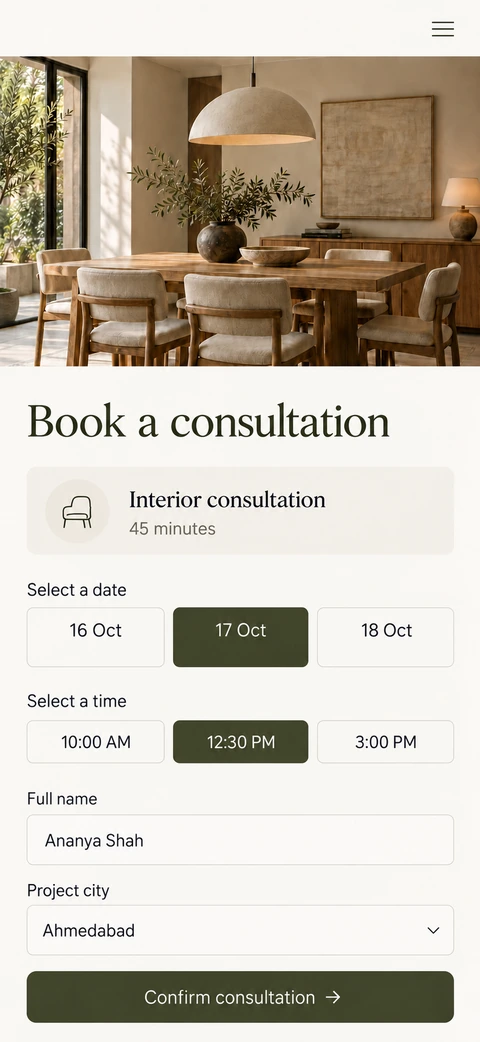
A consultation request may refer to several studios. Resolve ownership server-side from explicit rules, store the original context and expose exceptions for staff review.
How the proposed workflow fits together
- An editor prepares a project with referenced rooms, materials and approved assets.
- A publisher reviews the rendered preview and promotes the content version.
- Public project pages retrieve the approved version and deliver appropriately sized images.
- An enquiry records project context, consent and the intended studio in one database transaction.
- An outbox worker prepares the staff notification; retries reuse the enquiry reference rather than creating another lead.
Acceptance and failure-path checks
- An unpublished project cannot appear in public queries.
- A studio user cannot retrieve another studio’s private enquiry by changing an identifier.
- Broken media, missing translations and failed notifications produce visible recovery paths.
- Existing project URLs retain a documented redirect or their original destination during migration.
The tradeoff
Keep the website and enquiry backend as a modular application initially. A separate search service becomes worthwhile only when catalogue size and search requirements justify its operational cost.
Architecture references: WordPress developer resources, Advanced Custom Fields documentation and Core Web Vitals guidance. These describe engineering patterns, rather than certify this project’s implementation.