
Interactive Experience
Development
Create a purposeful interactive tool, learning activity or branded experience that helps people understand an idea by taking part.
Discuss your project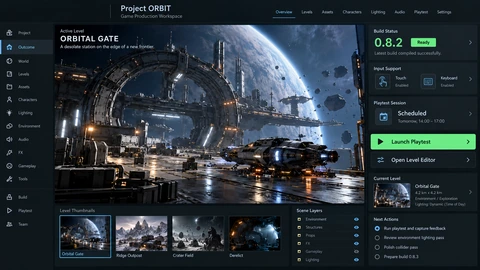
Interactive experiences scope
Interaction should serve the message. A product explorer, training scenario or campaign game needs a clear task, usable controls and an accessible way to reach the useful information.
Interaction concept
Define what participants choose or manipulate and how that action explains the product, lesson or campaign message.
Responsive experience
Scope input, feedback and alternatives across the devices and accessibility needs of the audience.
Publishing and measurement
Plan embedding, hosting, completion events and the handoff to a relevant next step.
Planning interactive experiences
- 1
Choose the learning or business goal
Write what a participant should understand or do after the experience. Remove interactions that do not help that goal.
- 2
Prototype the key moment
Use a small working interaction to test instructions, feedback and comprehension with representative users.
- 3
Publish with useful fallbacks
Review loading, reduced motion, keyboard use and constrained devices before integrating the experience into its destination.
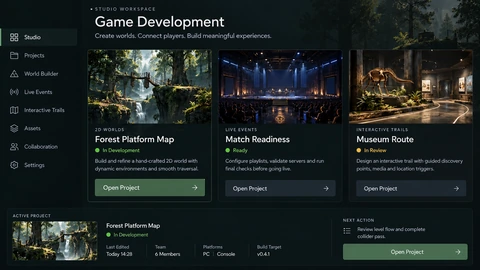
See the details.
Across every screen.
Explore the interface, then open any image at its original resolution.
Desktop experience
1 / 1Interactive experiences
Scope, tradeoffs and preparation for your project.
Do interactive experiences always need game mechanics?
No. A clear comparison tool or guided product walkthrough can be more useful than points, timers or competition.
Can it be added to our existing website?
First check the host platform, embedding constraints and styling boundaries. The integration should preserve the surrounding page’s usability.
What should we measure?
Completion, understanding and the relevant next action. Time spent alone may indicate interest or confusion, so interpret it carefully.
How we would validate this scope
Agree the important success and failure paths before development. These proposed checks help turn the service description into a reviewable delivery brief.
- A participant can understand the intended task without an explanation from the creator.
- Keyboard, touch and reduced-motion behaviour preserve access to the useful information.
- Embedding does not break the host page’s navigation or layout.
- Completion and follow-on actions are defined more precisely than time spent alone.
Discuss your interactive experiences project.
Share your requirements so we can agree a focused scope, dependencies and the next useful step.